
MJ77 Withdrawal Guide for Pakistan
Open Profile → Withdraw to choose a receiving account or inspect an existing payout. The platform lists Easypaisa, JazzCash and Bank Transfer.
Find the withdrawal form and records
Use Request withdrawal for a new payout, Receiving account to choose or add a method, and Withdrawal Records to find a request you already made.
Set the Withdrawal Password if prompted
Set and confirm a separate Withdrawal Password if prompted. The current payout form also has a Verify withdrawal password field. Follow the requirements shown for your account.
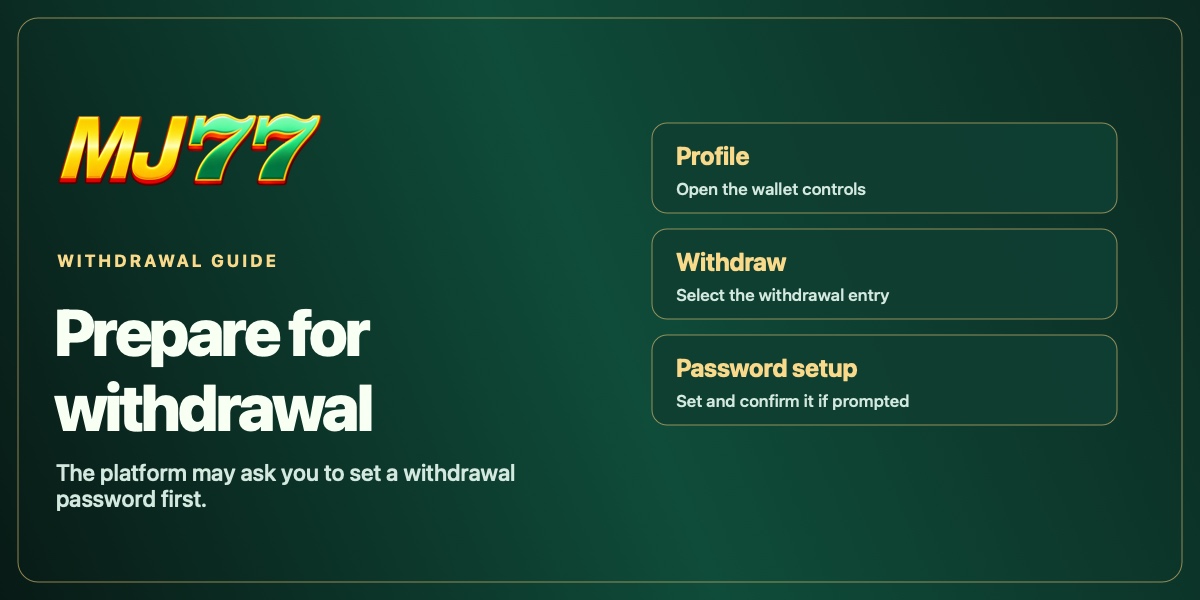
- Keep your withdrawal password private. If you cannot continue or have lost the password, use the platform’s recovery or Support route.
Compare Easypaisa, JazzCash and Bank Transfer
The Receiving account tab has Add options for Easypaisa, JazzCash and Bank Transfer. Select the account you intend to use and compare its receiving details before entering an amount.
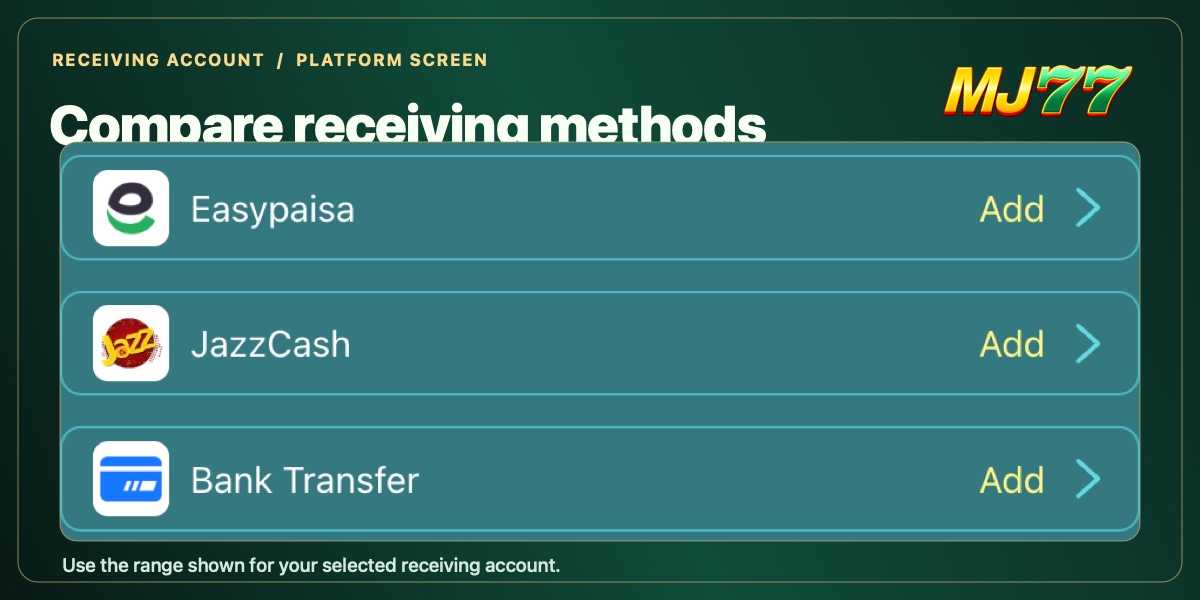
- The reviewed Easypaisa form displayed PKR 110–194,000 for its selected account.
- Check your selected account for the range and any fee shown.
- Choose Normal withdrawal to send funds to your receiving account. Withdraw to deposit is a separate on-platform option.
Withdrawal fees and payout timing
MJ77 states that its available withdrawal channels are fee-free and use the same processing time. Review is completed within 2 minutes and the payout is credited immediately after approval.
- Use Withdrawal Records to check the original status.
- If the status shows Withdrawal Success without credit, keep the reference and contact Support.
Check the date and status in Withdrawal Records
Open Profile → Withdraw → Withdrawal Records. Use the date filter to find the request and All Status to narrow the list. If Today shows no records, choose another date range or use Read More when it appears.
When a payout is marked Withdrawal Success but has not reached the receiving account, keep the original request reference and contact Support.
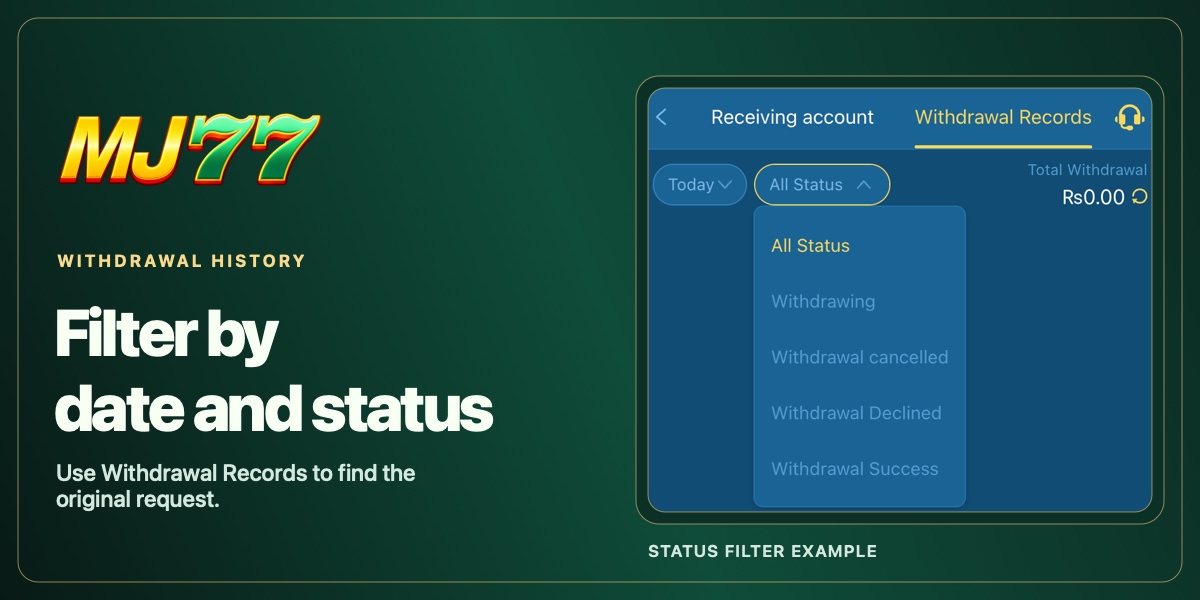
- Withdrawing: check the original request before trying again.
- Withdrawal cancelled or Withdrawal Declined: open the request and check what the platform shows or ask Support.
- Withdrawal Success: match the amount and time against the receiving account.
Get withdrawal help
For a payout marked successful without credit, give Support the original reference, amount, timestamp and receiving method. For a declined request, include the exact status or error shown.
When a reward affects withdrawal
Read the rules of the offer that added the bonus. First Deposit Extra Reward specifies 5× valid turnover on the bonus amount before it can be withdrawn.
MJ77 withdrawal questions
Why does MJ77 ask for a Withdrawal Password?
Set and confirm the Withdrawal Password when MJ77 prompts you before opening the payout form. Use Support if you cannot reach the next step.
Which receiving methods does MJ77 show?
The Receiving account page displays Easypaisa, JazzCash and Bank Transfer. Use the request form to check the applicable limits and fees for the selected account.
What withdrawal range does the form display?
The Easypaisa account reviewed showed PKR 110–194,000. Use the range displayed for the receiving account you select.
How long does an MJ77 withdrawal take and is there a fee?
MJ77 charges no platform fee on its available withdrawal channels. Its stated review time is within 2 minutes, with immediate credit after approval.
What should I send if the payout has not arrived?
Open Withdrawal Records and check the date, status and original request. If the receiving account shows no credit, give Support the existing request reference, amount, receiving method and approximate time.
What if I have forgotten my withdrawal password?
Use the help or recovery option shown by MJ77 or ask Support for the current recovery path. Keep your passwords and verification codes private.
Can a deposit bonus be withdrawn immediately?
Check the specific offer. First Deposit Extra Reward lists a 5× valid turnover requirement on the bonus amount before withdrawal.