
MJ77 APK & iPhone Download for Pakistan
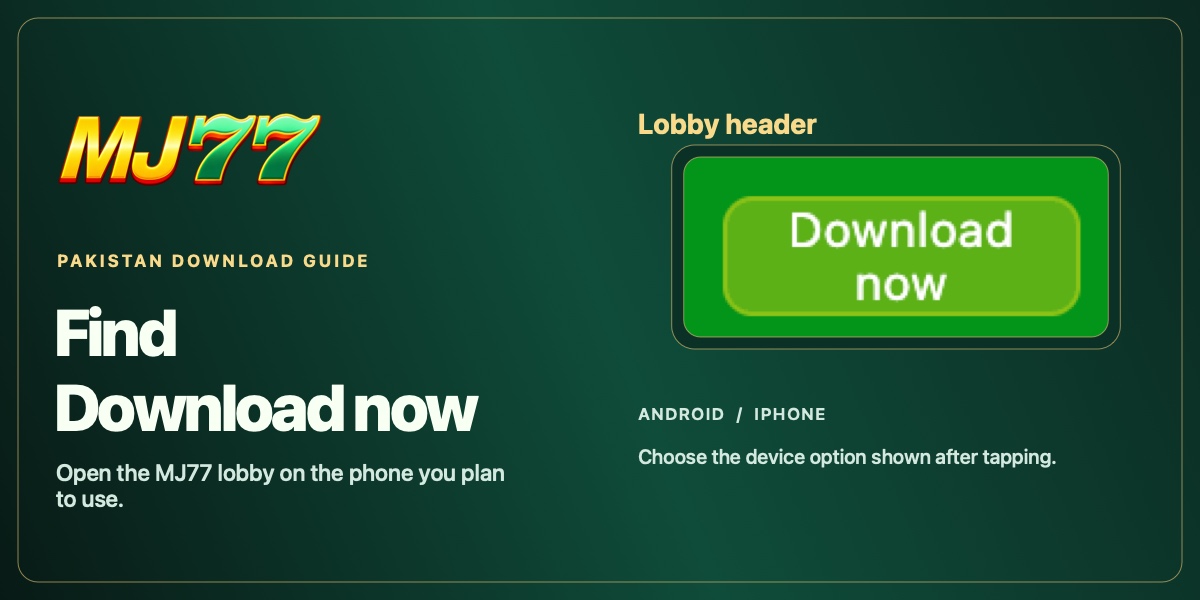
Choose Android Speed APP for the APK, or open the iPhone menu for Quick APP and Desktop shortcut. The main button opens the MJ77 lobby, where Download now is at the top.
| App display name | MJ77.COM |
| Signed publisher | MJ77 Pakistan Official |
| Android Speed APP | v1.1.80 · 7.42 MB |
| Android package ID | com.joemecg.cm2355.ocds |
| iPhone Quick APP | v1.1.80 · 5.68 MB |
| iOS bundle ID | com.nnzcg.fvnd2355.herm |
| iPhone web shortcut | Desktop shortcut from the lobby |
| Download entry | Download now at the top of the MJ77 lobby |
Choose the option for your device
Open the MJ77 lobby in Chrome on Android or Safari on iPhone. Tap Download now at the top of the lobby. Use the option that matches what you want to do.
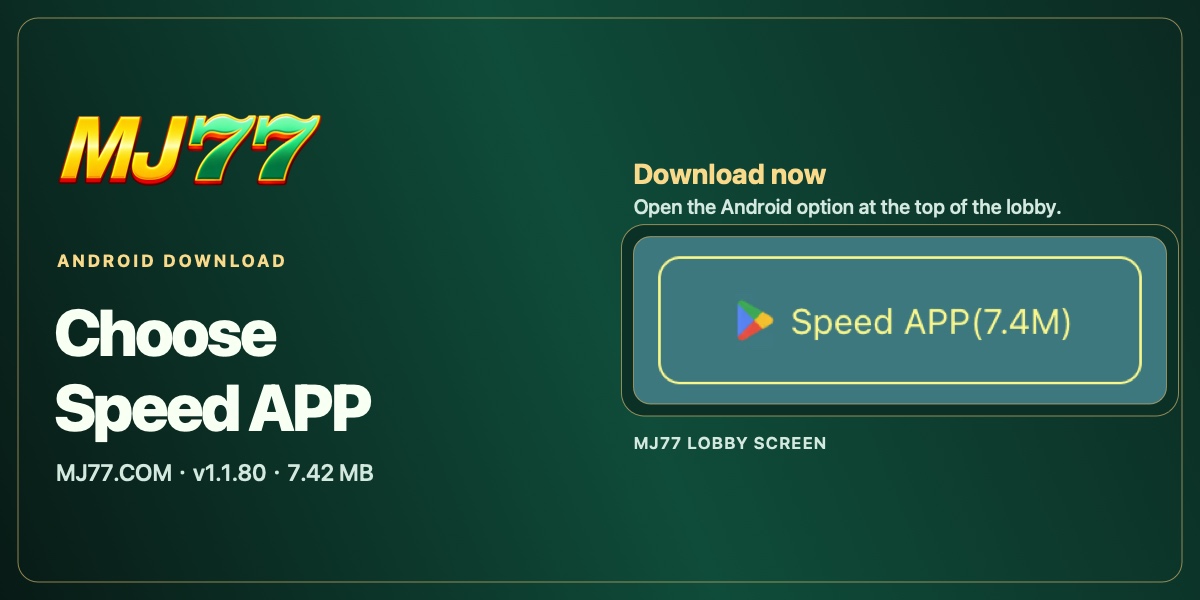
- Android: use Speed APP for the Android package.
- iPhone: choose Quick APP for the app, or Desktop shortcut for browser access from your Home Screen.
- Browser: stay in the lobby if you only need account access.
Android Speed APP: download and check the APK
The Android Speed APP is listed as v1.1.80, 7.42 MB, with the display name MJ77.COM and package ID com.joemecg.cm2355.ocds. The signed publisher is MJ77 Pakistan Official. The lobby rounds the button size to 7.4M.
Wait for the download to finish, then open the completed file in your browser’s Downloads list. Check that the file came from the MJ77 lobby and read the system prompt.
- Check the download finished before opening the file.
- If Android asks whether to let your browser install apps, check the source and read the prompt before deciding whether to continue.
- Keep Play Protect enabled. If Android blocks the package or displays an unfamiliar installer, ask Support before proceeding.
iPhone: Desktop shortcut or Quick APP
Open the MJ77 lobby in Safari and tap Download now at the top of the page. The iPhone menu offers a Desktop shortcut and Quick APP. The Quick APP distribution record lists v1.1.80 at 5.68 MB under MJ77.COM.
The iOS bundle ID shown in the distribution record is com.nnzcg.fvnd2355.herm. Use the option, file information and instructions currently shown on your iPhone.
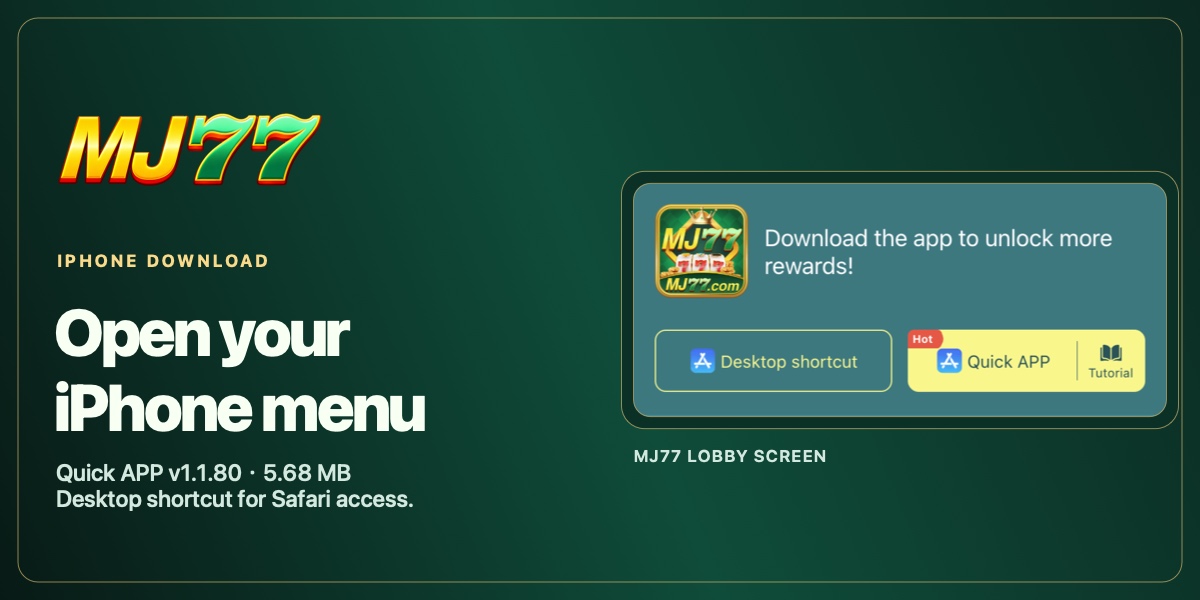
- For Desktop shortcut, follow the platform’s guide or use Safari’s Share menu and Add to Home Screen when available, then tap Add.
- For Quick APP, choose Quick APP and tap Tutorial for the on-device guide. Review the screens before accepting any installation prompt.
- If you only want web access, continue using the lobby in Safari.
Claim PKR 577 after your first app download
If you have not yet downloaded the MJ77 app, download it and open the app to claim the PKR 577 reward.
- Open Download now in the MJ77 lobby and select the app option for your device.
- After the download is complete, open the MJ77 app and claim the reward there.
- If you cannot find the claim, use Support and describe what you see in the app.
Update the app from the lobby
Open Download now again to check the version currently offered for your phone. Use the entry from the same brand lobby and keep access to your existing MJ77 account.
- Check the current app version and the offered version before updating.
- If the installer reports a conflict or the download does not finish, keep the exact message for Support.
If the app or download does not open
If the download controls do not respond in a messaging or social app, open the same lobby in Chrome or Safari. For an incomplete download, check free space and the browser's download list. Contact Support with your device, system version and the exact error if it persists.
Can I sign in without installing?
Yes. Use the browser lobby for Login, Register and Support. An activity that requires an in-app claim, such as First Deposit Extra Reward, will have its own claim instructions in Promo.