
MJ77 Support in Pakistan
Open Support at the bottom of the MJ77 lobby. Pick the issue you need help with and bring the exact error, activity or order reference.
Open Support from the lobby
The lobby Support tab opens a chat form. Use the Phone Number / ID field, pick a Question category and choose Start the chat when ready. The platform payment notice lists 24/7 help for payment issues.
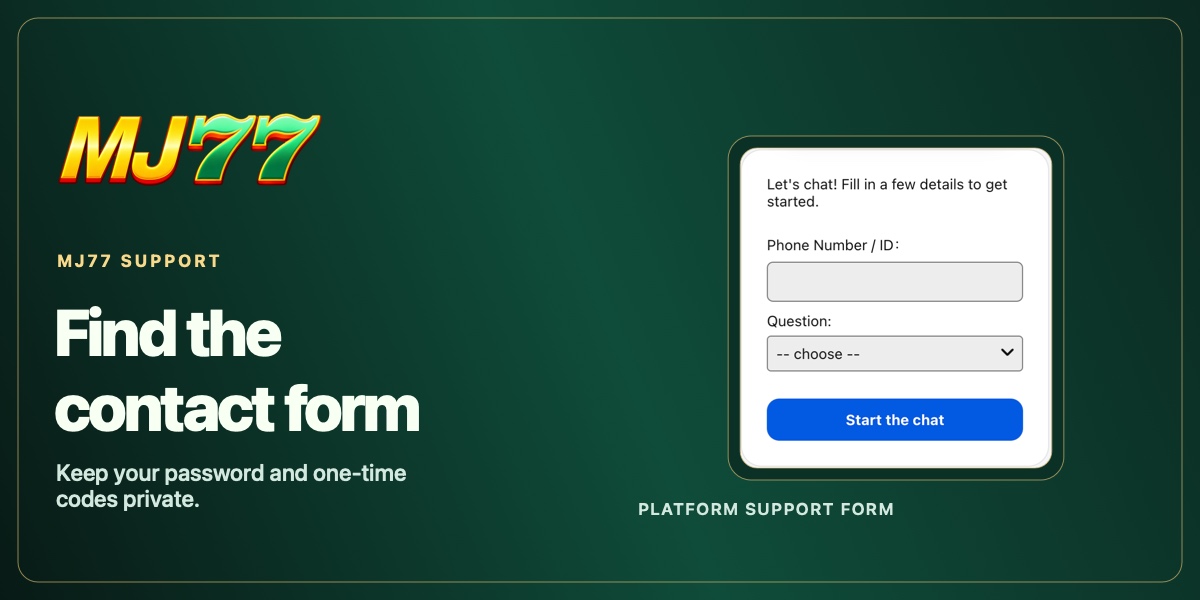
- Use the support option shown inside the MJ77 lobby.
- Keep passwords, PINs and codes private.
Get help with Android or iPhone access
Send your phone model, operating system and exact message. Say whether Download now did nothing, the transfer stopped or the installer displayed an error.
Get help with sign-in or registration
State whether you used Login, Register or password recovery. If a country code or verification step failed, name the step and describe the message without sharing a code.
Report a deposit or withdrawal problem
Give the order reference, approximate time, amount, method and status. Include a cropped receipt when requested, and keep using the same reference until the issue is resolved.
For a withdrawal, find the request under Withdrawal Records. For a QR or USDT deposit, record the channel or network displayed on the original order.
Check an activity or reward
Open the activity card for its rules first. For missing rewards, provide the activity name, relevant date, current status and a redacted screenshot of the progress shown.
For the PKR 577 offer, tell Support whether this was your first app download and which screen you reached after opening the app.