
MJ77 Login and Account Help
Open the MJ77 lobby and select Login for an existing account. The Pakistan form accepts a phone number, with Password Login and Code login options.
Sign in with the phone number on your account
Use Login in the lobby and check that the form shows Pakistan’s +92 code for a Pakistani number. Choose Password Login or Code login. The form also shows a Google option under Quick login.
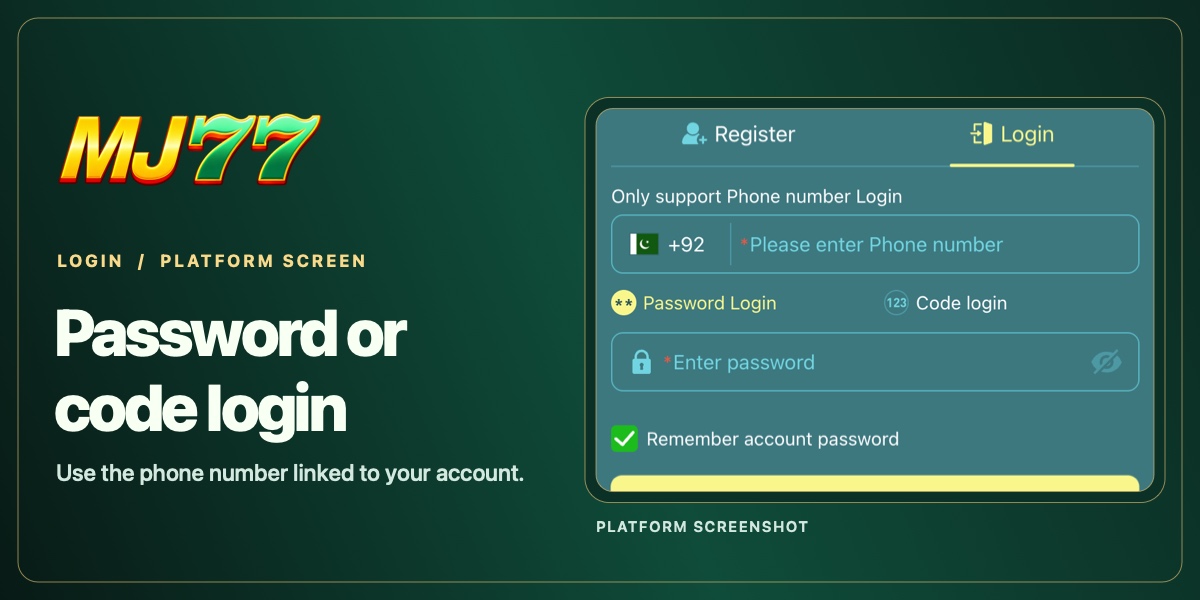
- Keep the phone number and verification method associated with your existing account.
- Use Register only when you need to create an account.
Find Forgot Password and verify your identity
Open Forgot Password in the Login form. The first screen accepts Phone number, Email or Account. Select Next and follow the verification method shown for that account. Change Password is the second step.
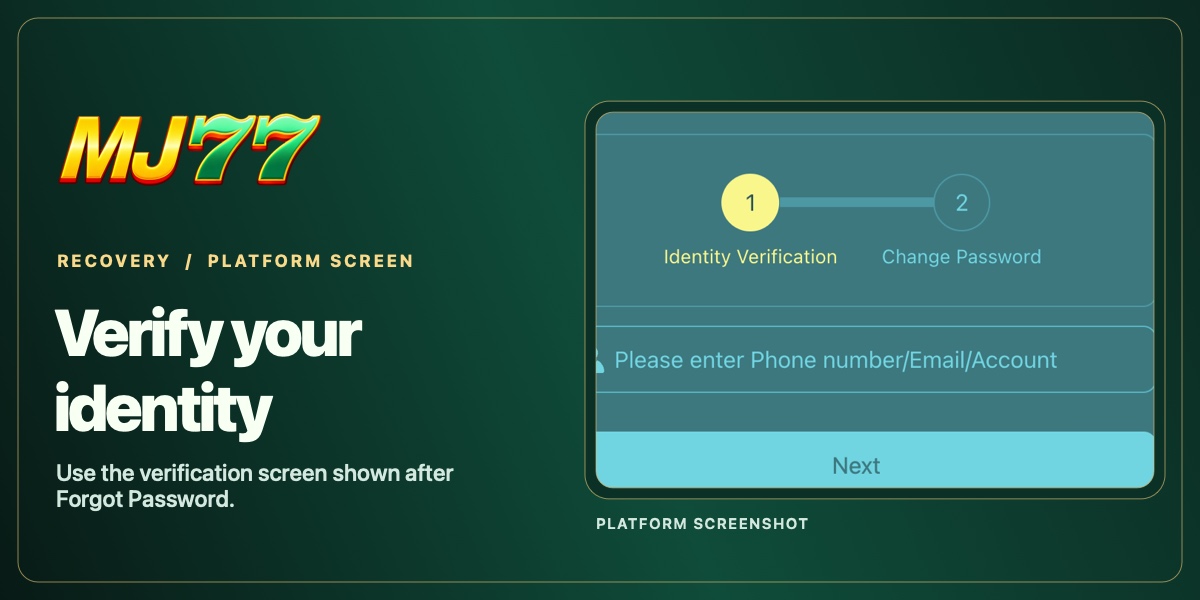
- Use the identifier linked to your account.
- Keep your code and password private.
- Use Support if you cannot access the displayed verification method.
What if the Login form does not open?
Dismiss any lobby announcement and choose Login again. If a messaging app browser is blocking the form, reopen the lobby in Chrome or Safari.
What if my password or code does not work?
Check the account number and selected sign-in tab. If a code never arrives, check the phone number and available verification route shown, or use Forgot Password.
Ask Support about the step that failed
Give Support the exact screen and error message, such as the phone field, code step or password recovery screen. Keep credentials and one-time codes private.